Comparability
Why your heart rate zones are different on every watch
Your Zone 2 on a Garmin is not your Zone 2 on an Apple Watch or WHOOP. Here is why the zones move, and how to set them so your easy runs stay easy.
Quick answer
Zones differ because each device draws them from a different maximum heart rate. Most watches still default to the old 220-minus-age formula, which can be wrong by 10 to 20 beats, and then some split zones by percent of max while others use heart rate reserve or a lactate threshold. Same beats per minute, different coloured zone. Set your real max once, use the same method everywhere, and compare your own zones over time, not against a friend's.

Your coach says keep it in Zone 2, easy enough to hold a conversation. Your Garmin agrees you are cruising. You glance at a friend’s Apple Watch on the same jog and it insists you are already in Zone 3, working harder than you should be. Nobody sped up. The watches simply drew the lines in different places.
Zones feel like physics. They are actually arithmetic, and the arithmetic starts from a number most watches guess.
A zone is a percentage of a number you probably guessed
Heart rate zones are just bands carved out between your resting and your maximum heart rate. Get the endpoints right and the bands mean something. Get them wrong and every zone shifts with them.
The trouble is the top endpoint. Out of the box, most devices estimate your maximum heart rate as 220 minus your age. That formula is a population average, and a well-known one: the research that refined it, by Tanaka and colleagues, put the spread around any age at roughly 10 to 12 beats per minute. So the formula can hand a real 185-max runner a 195, or a real 205-max runner that same 195, and build every zone on the error.
Same beats, different bands
Two watches on the same wrist can read the identical heart rate and still disagree about the zone, because they started from different maximums and, in some cases, different methods.
How each device draws your zones
| Garmin | Apple Watch | WHOOP | |
|---|---|---|---|
| Default zone basis | Percent of max, or reserve, or lactate threshold | Percent of max heart rate | Percent of max heart rate |
| Default max | 220 minus age until you change it | 220 minus age | Estimated, editable |
| Can use a measured max or threshold? | Yes, several methods | Yes, set it manually | Yes, editable |
| Number of zones | 5 | 5 | 5 |
The row that bites is the method. Garmin lets you switch to heart rate reserve, the Karvonen method, which uses the gap between resting and max rather than max alone, and it can also anchor zones to your lactate threshold. Anchor two devices to two different schemes and Zone 2 stops being one thing. This is the same family of problem as a branded recovery score: the underlying beats are real, but the index built on top is a choice each vendor makes.
Why the wrist itself adds noise
Even with the endpoints agreed, the sensor matters. A wrist optical monitor reads blood flow through your skin and lags a few seconds behind a sudden change, which is exactly when zone work happens. During intervals it can miss a spike or latch onto your cadence instead of your pulse, briefly showing a wildly wrong number and a wildly wrong zone.
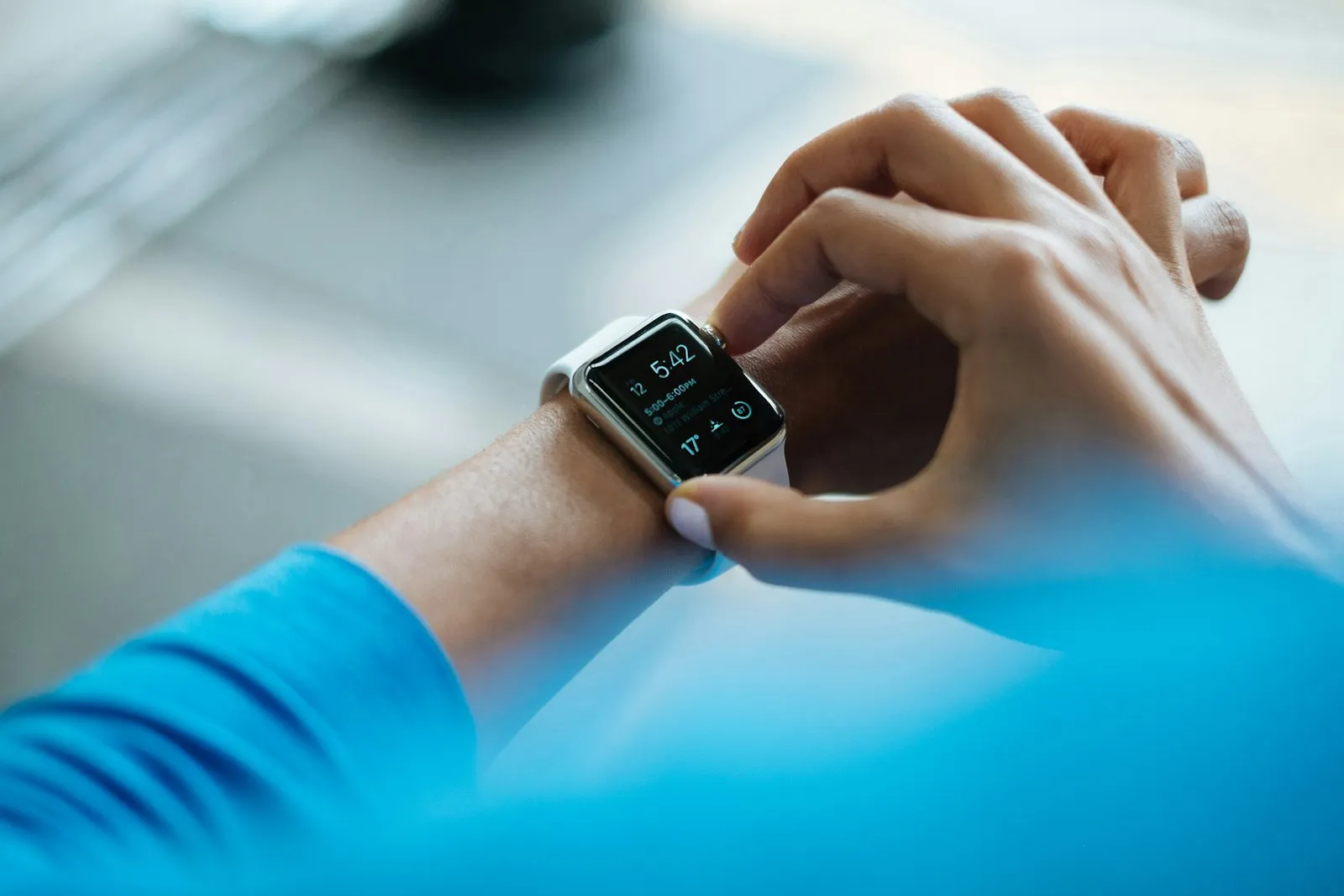
A chest strap measures the heart’s electrical signal directly and stays far steadier through surges. If you do structured zone training, a strap that feeds every app the same signal removes one whole layer of disagreement, on top of the maths.
How to make your zones mean something
You cannot make two brands agree unless you make them start from the same place. So do that.
- Replace the formula with a real number. Find your max with a hard field test or a lab, or set zones off a tested lactate threshold. Anything beats 220 minus age.
- Enter the same max in every app. If your watch, your bike computer and your gym app all know the same max, your Zone 2 stops moving between them.
- Pick one method and keep it. Percent of max or heart rate reserve, your choice, but not one on each device.
- Use a strap for interval days. Where the wrist lags, the strap holds, and your zones stop flickering mid-rep.
What to do with this
- Test your max once, this month. It is the single input that fixes the most zones at once.
- Sync that number everywhere. Consistency across your own apps beats any one app’s default.
- Judge zones against your own history. Your Zone 2 pace creeping faster at the same heart rate is real progress; someone else’s zone numbers are not your yardstick.
That last point is why Fit, the cross-brand fitness competition app, never ranks a crew on a heart rate zone. Zones are personal by construction, so Fit scores the things that hold their meaning between people, like active minutes and distance, and leaves your zones where they belong, on your own wrist. Where Fit loses: it is not a structured-training coach, and for zone-by-zone workout guidance a dedicated Garmin or a chest-strap app will serve you better.
Questions people actually ask
Why is my Zone 2 different on my Garmin and my Apple Watch?
Because each watch calculates the zone from a different maximum heart rate and, sometimes, a different method. If your Garmin uses a measured max of 190 and your Apple Watch assumes 220 minus your age, the exact same easy run falls into different zones on each. The beats per minute are identical; only the label your watch paints on them differs.
Is the 220 minus age formula accurate?
Not for most individuals. It is a population average with a standard deviation of around 10 to 12 beats, so a real max of 185 or 205 is completely normal at an age the formula calls 190. Using it as gospel is the single biggest reason people's zones are wrong. A lab test or a hard field test gives a far better number.
What is the difference between percent of max and heart rate reserve zones?
Percent of max takes your zones straight off your maximum heart rate. Heart rate reserve, the Karvonen method, works off the gap between your resting and maximum heart rate, so it also accounts for how low your heart drops at rest. Reserve-based zones usually sit a little higher in beats per minute for the same zone number, which is another reason two devices disagree.
How do I find my real maximum heart rate?
The honest answer is a hard effort, not a formula. A supervised lab test is the gold standard; in the field, a thorough warmup followed by a few all-out hill repeats or a maximal finish will push you near your true max, and the highest reliable number you see is a better input than 220 minus age. Set that value in every app you use.
Does it matter which device I use to track heart rate zones?
For training yourself, what matters is that you use the same device and the same max every day, so the zones are consistent. Wrist optical sensors also lag and stumble during intervals, where a chest strap is far steadier, so if precise zone work matters to you, a strap feeding all your apps removes one more source of disagreement.
Sources
Keep reading
-
 Comparability
 Active minutes, explained: the one cross-device number worth competing on
Apple Exercise Minutes, Fitbit Active Zone Minutes and Garmin Intensity Minutes measure almost the same thing. Here is how they line up across brands.
Apple WatchFitbitGarmin Read -
 Comparability
 Why your Apple Watch, Garmin and Samsung all show a different VO2 max
Your watch estimates VO2 max from heart rate and pace, so the number changes with the brand, the activity and the algorithm. Here is what it really means.
Apple WatchGarminSamsung Read -
 Comparability
 WHOOP Recovery vs Garmin Body Battery vs Oura Readiness: why the numbers never match
All three report a 0 to 100 score, but each measures something different, over a different window, against its own baseline. Here is what each one means.
WHOOPGarminOura Read
Get the next one by email
Occasional notes on making fitness numbers comparable across devices, and reading your own baseline. No spam, unsubscribe in one tap.
We email you once to confirm. Your address is only used for these notes.